
how to charge iphone in car properly comes down to three things most people overlook: the right power source, a real-certified cable, and heat management, not just plugging in and hoping for the best.
If you drive a lot, your car becomes your “daily charger,” and that’s where problems start: the battery percent crawls, the phone gets hot in a mount, or CarPlay drops out because the cable is flaky. Those annoyances often trace back to low-watt adapters, worn cables, or ports that were never meant to supply stable power.
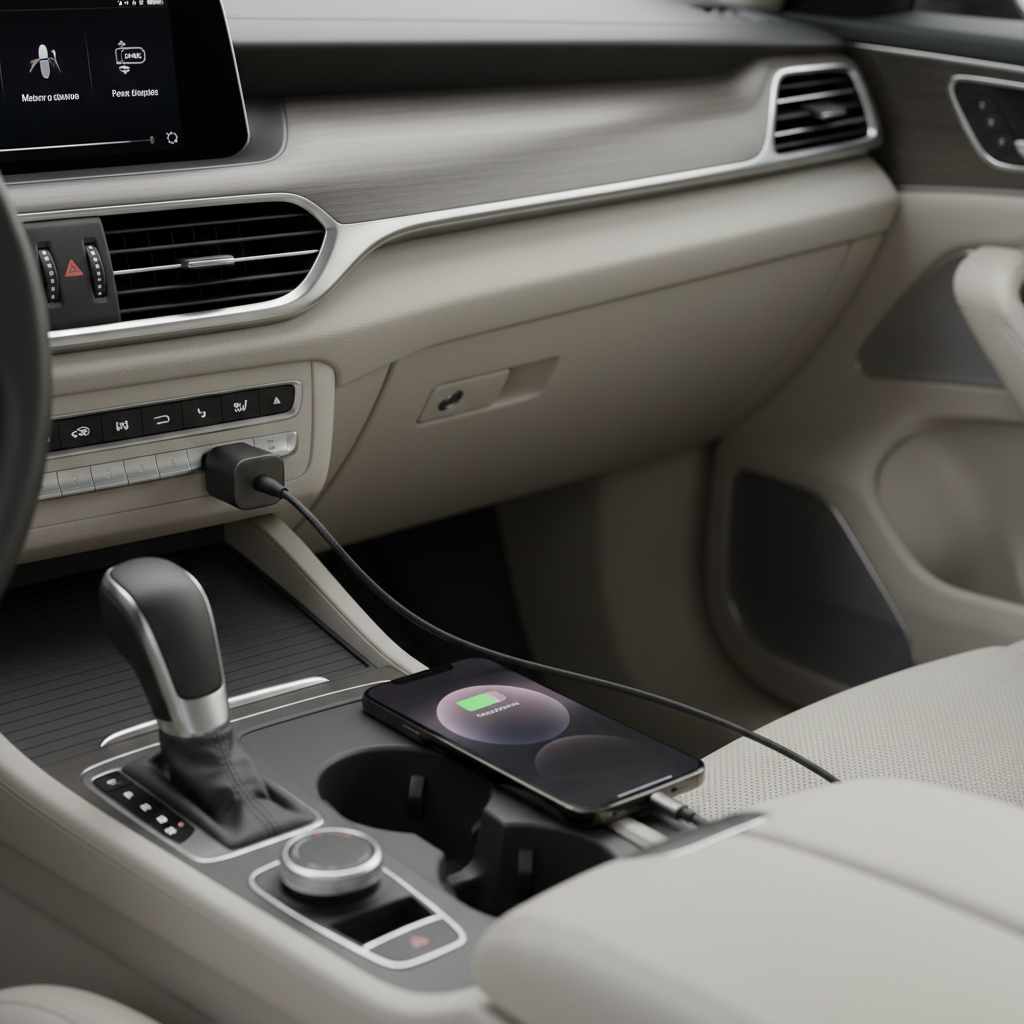
This guide stays practical, you’ll learn how to pick the right car charger (USB-A vs USB-C PD), when to use your car’s built-in USB port, and what to do when charging feels slow even though everything looks “connected.”
Know your charging options in a car (and what each is good for)
Before fixing anything, it helps to name the charging paths you’re actually using. In many cars you’ll have more than one, and they don’t perform the same.
- 12V outlet + car charger (recommended for most people): usually the most consistent power, especially with a reputable USB-C Power Delivery charger.
- Built-in USB port: convenient for data (CarPlay) but often low power, sometimes just enough to maintain battery or very slow-charge.
- Wireless charging pad: tidy and easy, but often slower and more heat-prone, especially with navigation running.
- Portable power bank: useful when your car’s ports are limited or unreliable, but you still need a solid cable.
According to Apple Support, iPhone models can fast charge when paired with a compatible USB-C power adapter and USB-C to Lightning cable or USB-C cable depending on model, and a car charger that supports USB-C PD can act like that adapter in the car.
Pick the right car charger: wattage, USB-C PD, and port layout
If you want to charge efficiently while running maps, music, and calls, the charger matters more than most people think. A weak adapter is the classic reason people search how to charge iphone in car properly.
What to look for
- USB-C Power Delivery (PD) for iPhone fast charging support on compatible models.
- At least 20W on a USB-C port for “feels normal again” charging during driving; higher can help if you also charge an iPad or share the adapter.
- Two ports (USB-C + USB-A) if you sometimes charge a second device, but prioritize one strong USB-C PD port over two weak ones.
- Reputable brand + safety protections (over-current, over-voltage, temperature), because the car electrical system can be noisy.
Quick comparison table
| Car charging method | Typical speed | Best for | Common downside |
|---|---|---|---|
| 12V + USB-C PD car charger (20W+) | Fast | Daily driving, navigation + charging | Needs a good cable; cheap adapters run hot |
| Built-in USB port | Slow to moderate | CarPlay data + light top-ups | Often underpowered |
| Wireless charging pad | Slow to moderate | Short trips, convenience | Heat, alignment sensitivity |
| Power bank (USB-C PD) | Moderate to fast | Rental cars, unreliable ports | Must remember to recharge the bank |
Use the right cable (this is where most “mystery” issues live)
People swap chargers and blame the car, but the cable is often the weak link. Frayed insulation, loose Lightning heads, or “charging-only” cables can cause slow charging and constant disconnects.
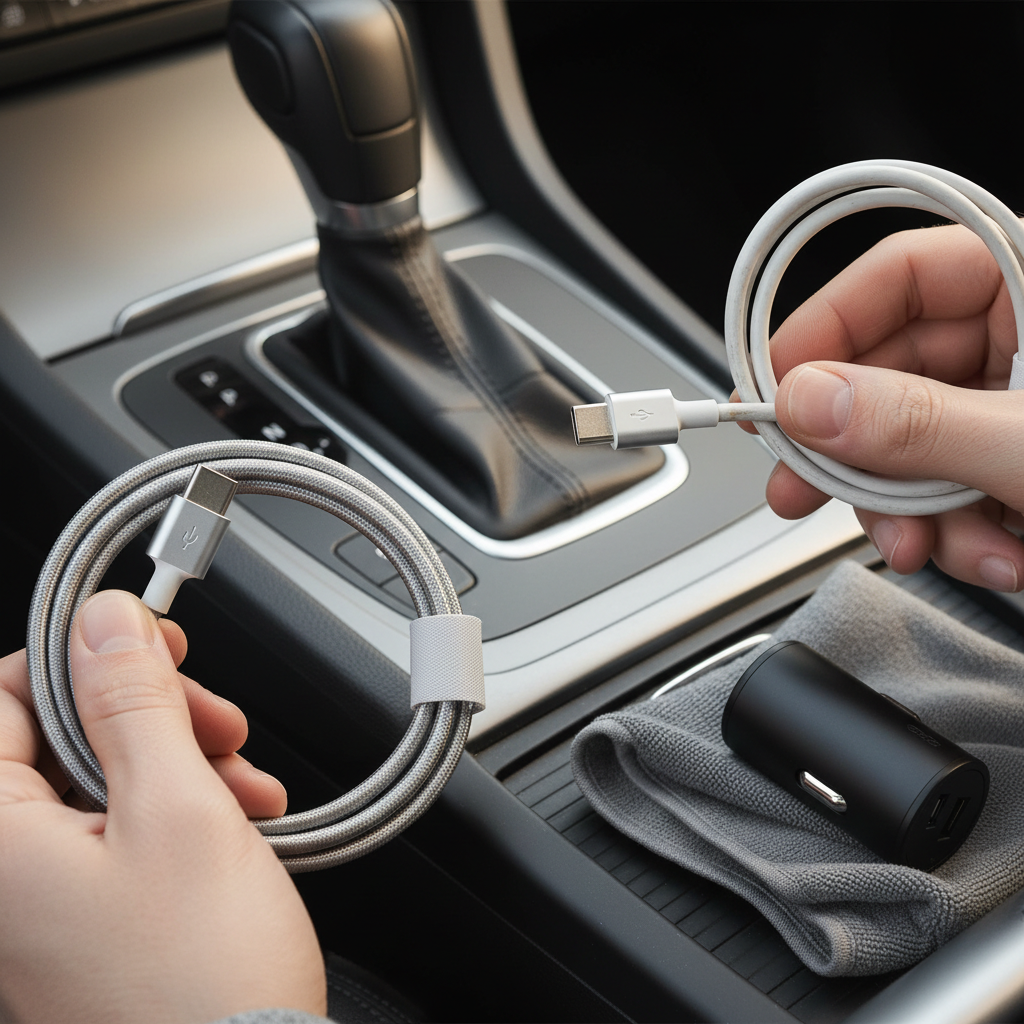
Practical rules that hold up in real use:
- Choose MFi-certified (Made for iPhone) for Lightning cables. It reduces weird behavior and premature failures.
- Keep it short when possible (3–4 ft is usually enough). Longer cables can drop more voltage, especially with cheaper wire.
- Separate “CarPlay cable” from “charging cable” if you’re hard on it. Constant plugging/unplugging wears connectors faster.
- Clean the iPhone port carefully if the plug feels loose. Pocket lint can prevent a solid connection, and charging may flicker.
According to Apple Support, if your iPhone won’t charge or accessories aren’t recognized, checking the Lightning or USB-C port for debris and testing another cable/adapter are recommended troubleshooting steps.
Step-by-step: how to charge iphone in car properly (a simple routine)
This is the setup that tends to work across most vehicles without turning it into a science project.
- Plug a USB-C PD car charger into the 12V outlet rather than relying on the dash USB port for power.
- Connect a high-quality cable and avoid bending it sharply near the connector.
- Mount the phone out of direct sun. Heat is the silent charging killer, especially on summer drives.
- If you need CarPlay, consider: CarPlay via built-in USB for data, and power from the 12V PD charger on a separate cable (many people find this more stable).
- Use Low Power Mode if your battery is dropping while charging with navigation on, it reduces background drain and can help the percentage climb.
One small habit that helps: start charging early in the drive. Trying to recover from 5% while blasting GPS, streaming audio, and taking calls often feels slow even with good gear.
Troubleshooting slow charging, disconnects, and overheating
If charging still feels “stuck,” don’t guess. Narrow it down with quick checks.
Fast self-check list
- Does the battery percent rise with the screen off? If yes, your charger may be fine, the phone is just under heavy load while driving.
- Does the cable wiggle cause connect/disconnect? If yes, suspect the cable end or lint in the port.
- Does it only happen on wireless charging? If yes, heat or alignment is likely the issue.
- Does a different 12V outlet fix it? Some outlets are looser or share power with other systems.
- Does another phone charge normally? Helps separate car/charger issues from iPhone-side issues.
Overheating: what to do safely
When an iPhone gets hot, iOS may reduce charging speed to protect the battery, and you can’t really “force” it back. If the phone feels very warm, it’s usually better to cool the setup instead of pushing harder.
- Move the phone out of sun, lower the brightness, and let AC airflow reach it.
- Avoid wireless charging while running maps in hot weather, wired charging often runs cooler.
- Remove thick cases if heat keeps showing up, many cases trap warmth.
According to Apple Support, iPhone may warm up during charging, and it can limit charging when temperatures get too high. If you see temperature warnings, it’s smart to stop charging and let the device cool, and if the issue repeats, consider asking a qualified technician for help.
Common mistakes that waste time (and sometimes money)
A few patterns show up again and again. Fix these and most “car charging” problems disappear.
- Using the car’s USB port expecting fast charging: many are designed for media playback, not high-watt charging.
- Buying a no-name adapter with inflated watt claims: it might work for a week, then start overheating or throttling.
- Charging wirelessly in a hot dash mount: convenience, then constant heat warnings.
- Assuming any USB-C cable is equal: some are charge-only, some are low-quality, and some can’t carry higher power reliably.
- Forgetting that apps can out-drain charging: navigation, 5G, hotspot, and screen-on time can make “charging” look broken.
When it’s worth getting help or replacing parts
If you’ve tested a known-good car charger and a known-good cable and the phone still disconnects or won’t charge, it may be time to stop troubleshooting in the driveway.
- Persistent loose connection even after gentle port cleaning can point to port wear or damage.
- Frequent overheating in normal cabin temps may suggest a battery health issue or a case/mount setup that traps heat.
- Car power issues like a 12V outlet that cuts out, blows fuses, or sparks should be checked by a qualified auto electrician.
If you’re unsure, Apple Support documentation and an Apple Authorized Service Provider can help you rule out device-side hardware problems without guessing.
Practical takeaways you can apply on your next drive
If you want a clean, reliable setup, treat car charging like a small system: strong USB-C PD power from the 12V outlet, a trustworthy cable, and a cooler mounting spot. That combo usually solves slow charging, random disconnects, and battery percent that never climbs.
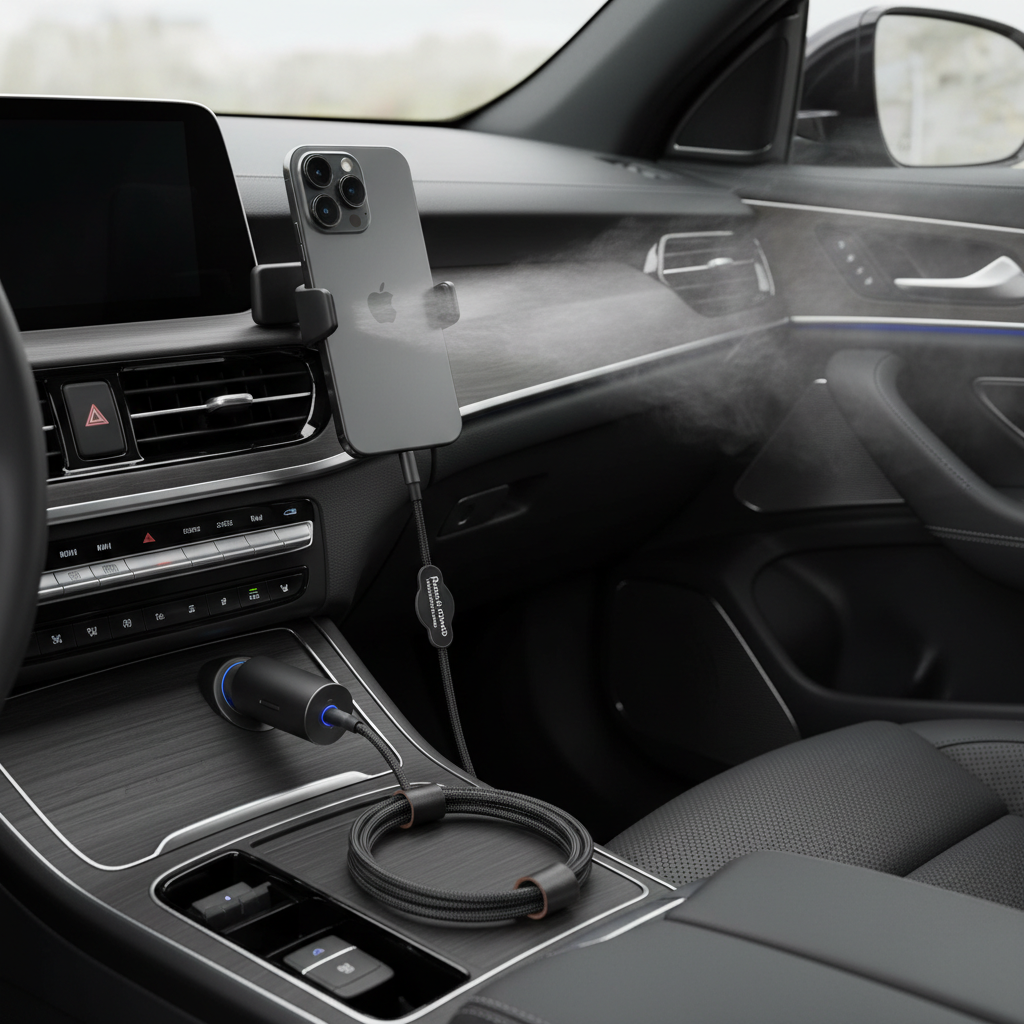
Key points to remember: use a 20W+ PD car charger for real power, keep cables in good condition, and manage heat. If you try only one change, start with the adapter and cable, they solve the majority of complaints about how to charge iphone in car properly.
Action step: check your current car charger’s wattage and swap in a reputable USB-C PD model if you’re still using an old USB-A brick, then test on a 20-minute drive with the screen off for part of the time to see the difference.